

 1 / 12
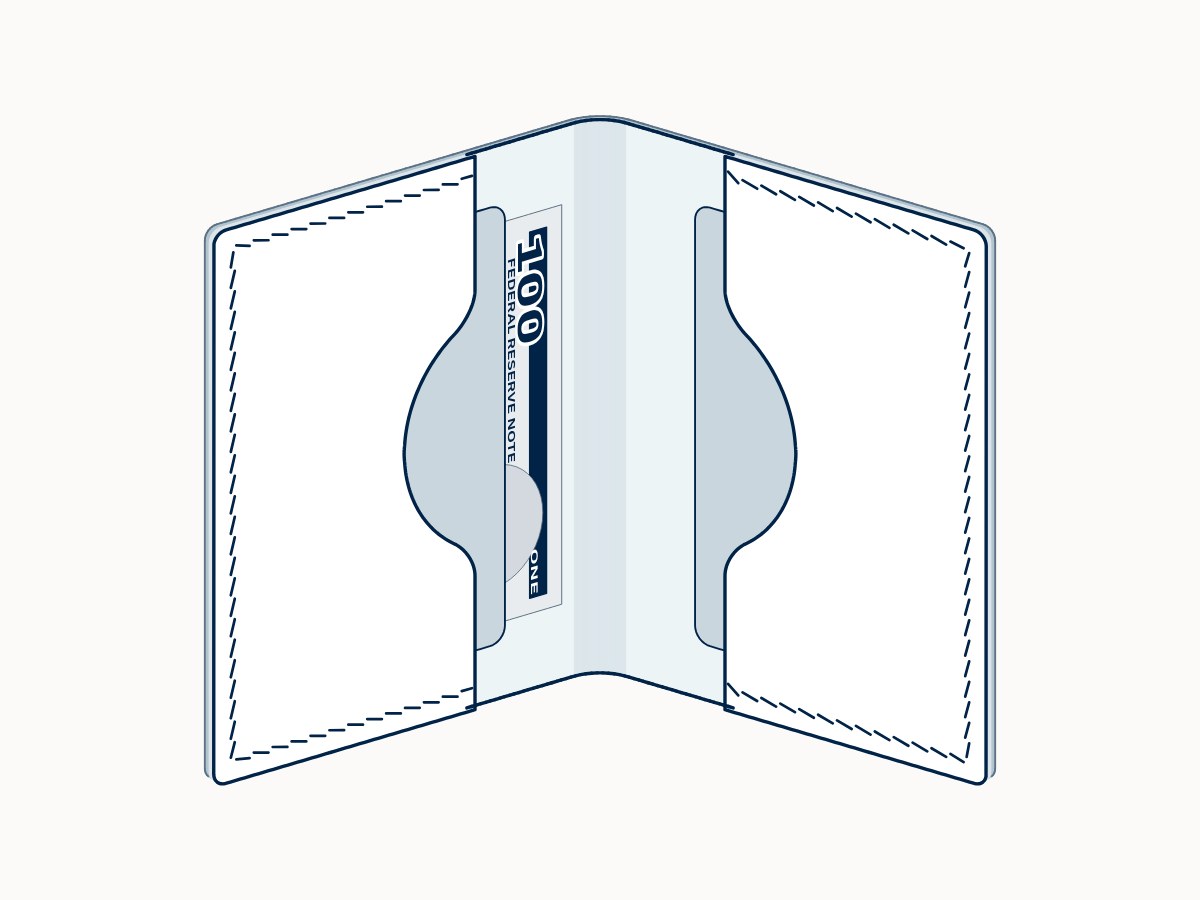
The pictures are illustrations: computer drawings of the model, not photos. Yes, as a helper. Every pattern piece starts as my own drawing in Inkscape, and the sizes come from my own formulas. An AI assistant helps me assemble the patterns in all their variants (iron spacings, paper sizes, opening styles) and lay out the instructions — always following my instructions. I check every result and correct it, often by hand in Inkscape. Nothing goes on sale before I've checked it. All pictures on the site are illustrations for now; photos of real leather builds will follow, marked “Photo”.
Model No.001Small bifold card holder
Free
- Holds
- 2 card pockets (2–6 cards) · a once-folded note (USD-size and slimmer)Each card pocket holds 1–3 cards. Large pockets are too deep for cards: they are for banknotes, receipts and documents.
- Level
- First project
- Size
- 82 × 108 mm folded (≈3.2 × 4.3 in) · 164 × 108 mm open (≈6.5 × 4.3 in)
- Openings
6 styles, all included
straight, bump, trapezoid, batwing, ramp left, ramp right- Pieces
- Medium Exterior × 1
Small Pocket × 2
Free, and staying free
- Paper A4 and US Letter, both included
- Iron spacing all six: 2.7, 3, 3.38, 3.85, 4 and 5 mm
ZIP, 4.7 MB · no signup, no email. Not a teaser and not watermarked — the same quality as every paid model. If you build it, I'd like to see it: @aptuspatterns.
What's in the download
- Pattern sheets for all six iron spacings, with the 20 mm and 1 inch scale check, glue marks and all six opening styles
- Step-by-step instructions for this model, with the tool list and the glue width for your spacing
- Recommendations for leather and thread, and the terms & licence (sell what you make)
- A4 and US Letter · one ZIP
How to use the download
- Read the Terms & licence: what you may do with the pattern and with what you make from it.
- Read the Recommendations: leather, thread and iron spacing.
- Open the Instructions: print them or follow them on screen.
- Choose your paper folder (A4 or US Letter) and open the file for your iron spacing.
- Check the print index on page 1: it lists the pages you need for the opening style you chose.
- Print only those pages at 100% / actual size, and check the 20 mm (or 1 inch) ruler before you cut.
Questions? See all questions or how it works.